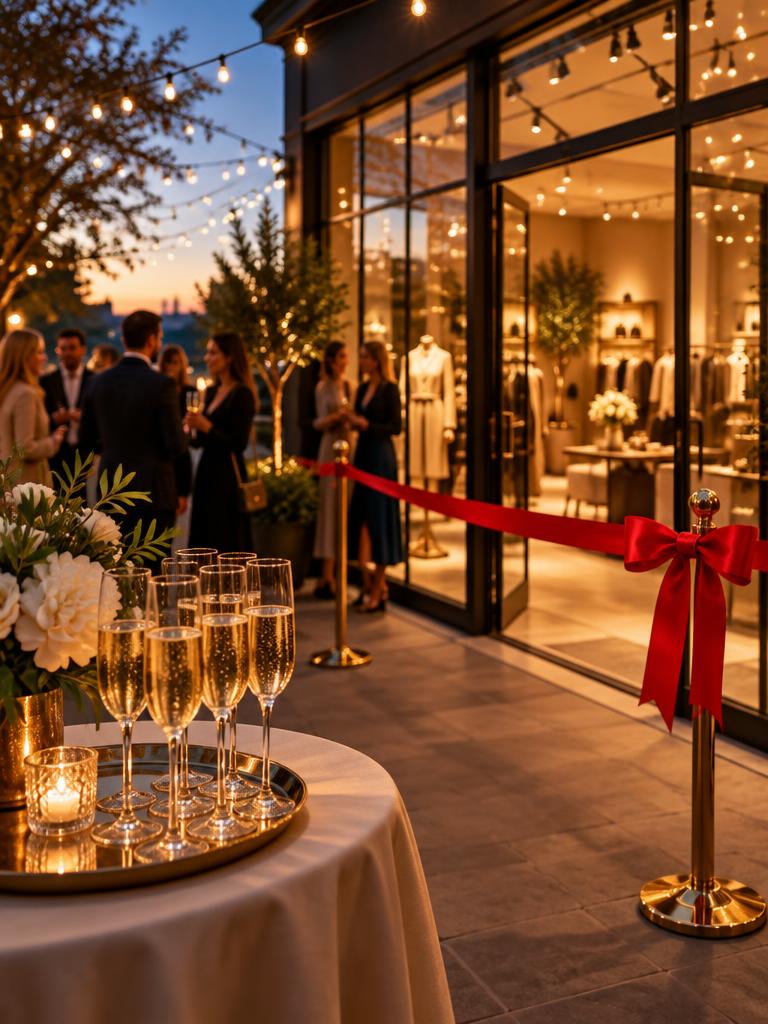
A free digital launch invitation that looks like your brand: the opening, the date, the address, the schedule and one link that collects RSVPs on its own.
Clients, partners and friends open the launch invitation on their phone, tap Waze and confirm in one tap — so you know how many guests to plan drinks and space for.
Upload a photo of the new space, the product or the collection, write the details in your words and pick colours — a business opening, a new branch, a gallery opening or a product launch all fit into one digital launch invitation.
Schedule, address and Waze
Add the schedule of the launch — doors open, the ribbon, the toast — and the address. Guests reach the opening with one Waze button, with a countdown to the date.
RSVPs for the launch
Every guest confirms attendance and the number of people in one tap. Each RSVP for the launch lands in the guest list right after it is sent, so you can plan catering and space.
A guest list ready for the door
Add a note to each guest — a client, a supplier, press or a VIP — and export the launch guest list to Excel or print it as a PDF for the entrance.
A management link for your producer
Share a private management link with the event producer or the PR team. It opens this launch only, with no account and no access to anything else. All guest details are deleted permanently 60 days after the invitation is created.
Every RSVP lands in your guest list
Live counts, names and notes — export to Excel or PDF.
🔔 Omer & Dana confirmed (2 guests) · just now
142
Guests
61
Attending
9
Declined
Omer & Dana✅ 2
The Levi family✅ 2
Yael Cohen✅ 3
Export ExcelPDF
Questions about a free digital launch invitation
Is the digital launch invitation free?
+
Yes. Open a free Vanilla Market account and create the launch invitation from the setup wizard. Creating it and collecting RSVPs costs nothing.
Which launches does it suit?
+
A new business, a new branch, a product or collection launch, a gallery or studio opening, or a toast for a new space. The text and the schedule are yours.
How do guests RSVP?
+
They open the link from WhatsApp, email or social media, tap Attending or Can't make it, set the number of people and send. No app is needed.
Can I add a photo of the new space or the product?
+
Yes. Upload a cover photo; it fits the phone screen and blends into the invitation colours.
Can I share the guest list with the producer or PR team?
+
Yes. Share the private management link with them; anyone holding it can manage this invitation, so keep it inside the team.
When is the guest data deleted?
+
60 days after the invitation is created. Export the list to Excel or PDF before then.